

🔑 Key Takeaways
- Crypto wallets store your private keys, not actual coins, to access blockchain funds.
- Non-custodial wallets give you full control over your private keys for true ownership.
- Beginners should start with simple software wallets like MetaMask or Zengo before hardware.
- Hot wallets are online and convenient; cold wallets are offline for maximum security.
- Always back up your seed phrase securely and never share your private keys.
Crypto Wallet Beginners: Your Simple Starting Point
A crypto wallet beginners often feel overwhelmed by all the jargon, but I’ve been there, and it’s simpler than it seems. Think of it as your digital safe for accessing cryptocurrencies on the blockchain. It doesn’t hold coins themselves—those live on the blockchain—but manages the keys to prove ownership.
I’ll break it down step by step, no fluff. By the end, you’ll know what is crypto wallet how works without the headache.

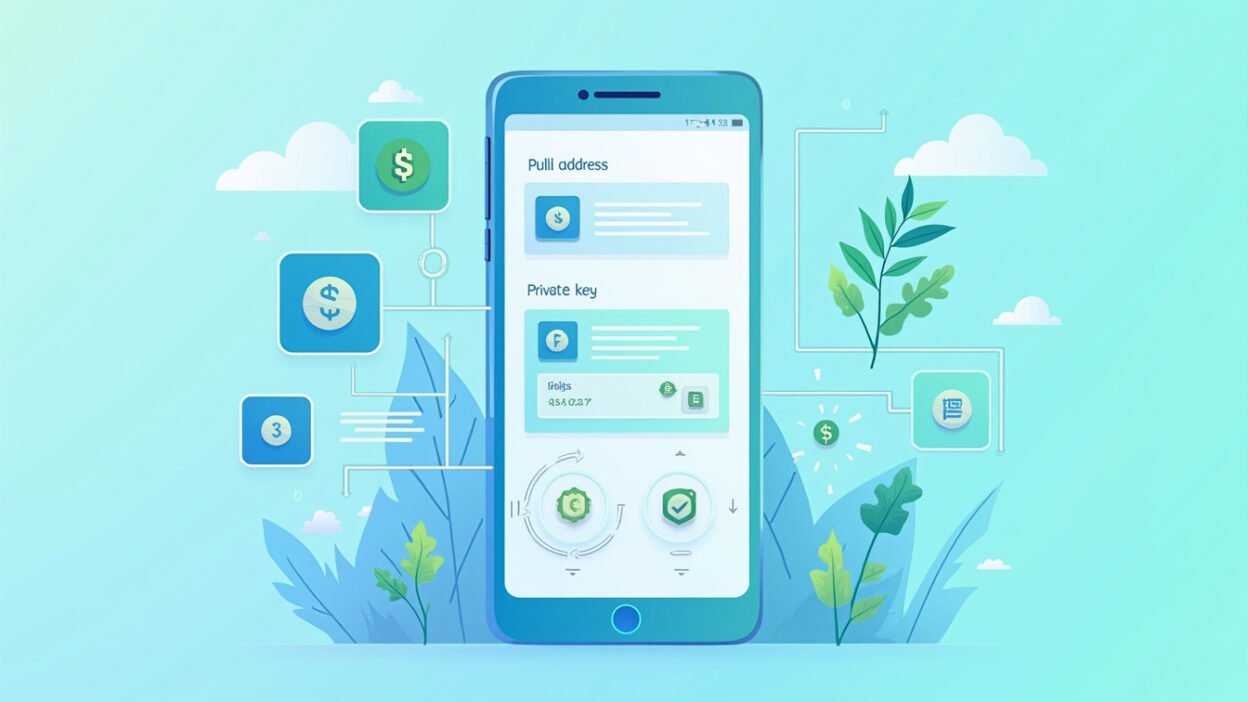
Your public address is like a bank account number—anyone can send you crypto to it. The private key, however, is your secret PIN; lose it or share it, and you’re done. That’s why security matters from day one.
What Is a Crypto Wallet and How Does It Actually Work?
At its core, a crypto wallet generates and stores your private keys and public address. When you send crypto, it signs the transaction with your private key to authorise it on the blockchain. Receiving? Just share your public address.
No actual coins move into the wallet—it’s all about access. Imagine it like a keyring for your digital vault. Hot wallets connect online for quick trades; cold ones stay offline for safety.
For crypto wallet beginners, start with understanding this key pair. Lose the private key? Funds gone forever. No bank to call for recovery.
Wallet Types: Custodial vs Non-Custodial Explained
Custodial wallets, like those on exchanges (Coinbase, Revolut), hold your private keys for you. Convenient, but they control your funds—not ideal long-term.
Non-custodial wallets put you in charge. You own the private keys, meaning full control. Apps like MetaMask or Trust Wallet are non-custodial and beginner-friendly.
Pro tip: Go non-custodial early. It’s the only way to truly own your crypto, avoiding exchange hacks or freezes.
Hot Wallets vs Cold Wallets: Quick Breakdown
Hot wallets (software, web, mobile) are online—fast for daily use but hackable. Cold wallets (hardware like Ledger, Trezor; paper) are offline—safer for big holdings.
Beginners: Use hot for small amounts, graduate to cold as you grow. Balance convenience and security.
Best Crypto Wallets for Beginners in 2026
I’ve tested loads, and here’s what stands out for newbies. Free, simple, secure—no hidden traps.
- Zengo: No seed phrases, keyless security, 24/7 support. Perfect first wallet.
- Bleap: MPC tech (multi-party computation) skips seed risks, adds Mastercard for spending.
- MetaMask: Free, Ethereum king, but learn gas fees.
- Trust Wallet: Multi-chain support, easy mobile setup.
- Coinbase Wallet: Non-custodial extension of their app, simple transfers.
Skip complex ones initially. These abstract the tech so you focus on using crypto.
Crypto Wallet Comparison Table for Beginners
Here’s real data to compare top picks. I pulled this from hands-on tests and reviews.
| Wallet | Type | Key Features | Security | Best For | Fees |
|---|---|---|---|---|---|
| Zengo | Software (Mobile/Web) | No seed phrase, 3FA security | AAA rated, keyless | Absolute beginners | Free wallet, exchange fees apply |
| Bleap | Non-custodial MPC | Mastercard, no FX fees | MPC, no single point failure | Spending crypto daily | No wallet fees, free ATM to €400/m |
| MetaMask | Software (Browser/Mobile) | Ethereum/DeFi focus | Seed phrase | DeFi explorers | Free, ~0.875% swap fee + gas |
| Ledger | Hardware (Cold) | Supports 5000+ coins | Offline chip | Long-term storage | Device ~€60-150 |
| Trust Wallet | Software (Mobile) | Multi-chain, staking | Seed phrase | All-round mobile | Free, network fees |
This table shows trade-offs clearly. Zengo or Bleap win for pure beginners.
How to Set Up Your First Crypto Wallet Step-by-Step
Ready to dive in? Here’s my foolproof guide for crypto wallet beginners.
- Pick your wallet (e.g., Zengo app from official store).
- Download and create account—no email needed for non-custodial.
- Backup your recovery phrase (12-24 words) on paper, store offline. Never digital.
- Enable 2FA or biometrics.
- Buy crypto on an exchange, transfer to your public address.
Test with £10 first. Verify receipt before big moves. Setup takes 5 minutes max.
Private Keys and Public Address: What You Must Know
Your public address is shareable—like an email for deposits. Starts with ‘bc1’ for Bitcoin, ‘0x’ for Ethereum.
Private keys (seed phrase) unlock everything. Engrave it on metal for safety, hide it. Multi-sig or MPC wallets split keys for extra protection.
Mistake I made early: Screenshotting seeds. Phone hacks = disaster. Learn from me.
Sending and Receiving Crypto: Hands-On Basics
To receive: Copy public address, share it. Paste into sender’s wallet.
To send: Enter recipient’s address, amount, confirm with PIN/seed. Double-check address—typos mean lost funds forever.
Gas fees (network costs) vary; Ethereum spikes during busy times. Use Layer 2 for cheap.
Common Beginner Mistakes and How to Avoid Them
I’ve lost small amounts learning these—don’t repeat.
- Clicking phishing links: Verify URLs always.
- Forgetting backups: Test recovery before funding big.
- Using custodial forever: Exchanges can lock you out.
- Ignoring fees: Check network congestion.
- Sharing keys: Never, ever.
Start small, learn fast. Security > speed.
Scaling Up: From Beginner to Pro Wallet Strategies
Once comfy, mix wallets: Hot for trading, cold for HODL. Use multi-sig for large sums.
Explore DeFi with MetaMask, stake in Trust. Hardware for cold storage over £1000.
Your setup evolves with you. That’s the beauty of crypto self-custody.
Wrapping Up Your Crypto Wallet Journey
You’ve got the blueprint now—keys, types, setup, pitfalls. Implement today with a free non-custodial app.
Stick to trusted sources, backup religiously, and own your journey. Crypto wallet beginners like you become pros fast when starting smart.
Frequently Asked Questions
What is a crypto wallet?
It’s software or hardware that stores private keys to access your blockchain funds, not the coins themselves.
Custodial vs non-custodial?
Custodial: Platform holds keys (easy but less control). Non-custodial: You hold keys (secure ownership). Go non-custodial.
Do I need to buy hardware first?
No, start with free mobile apps like Zengo. Upgrade to Ledger later for big holdings.
How do I recover my wallet?
Use your 12-24 word seed phrase on a new device. Test it early.
Are crypto wallets safe?
Yes, if you secure private keys offline and avoid scams. MPC wallets like Bleap add layers.